Preparing ASA24 Dietary Data
Use demo data
An example ASA24 Recall Items File is provided from DietDiveR. You can also use this to examine the format of the necessary input file and run Polyphenol Estimator before using your own data.
Use your own ASA24 data
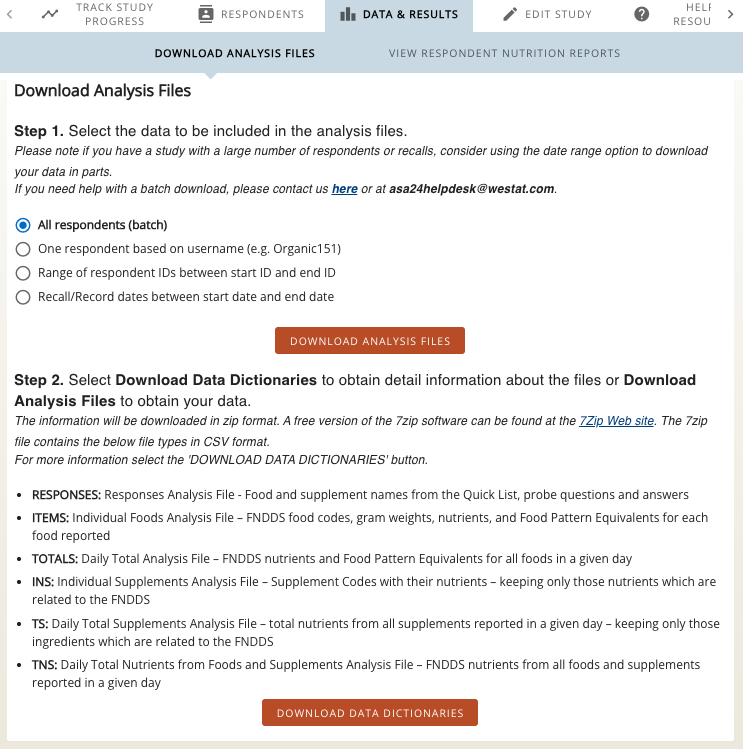
1. Download the ASA24 Items file from all respondents in your study on the ASA24 researcher website.
2. Perform dietary quality control checks.
- Polyphenol Estimator will automatically include complete entries (
RecallStatus==2 orRecord_Status==2). - Additional dietary quality control checks should be done before running Polyphenol Estimator without disturbing the data structure. The CDC provides ASA24 quality control guidelines, which covers missing data, text entries, outlier review, and duplicate entries.
3. Come back to run_pipeline.R and update diet_input_file with your own ASA24 file path.
- Polyphenol Estimator will run the example ASA24 file unless you change the input data.
4. Run Polyphenol Estimator for your ASA24 data.
- See our Start Guide for instructions.